Blox Rack $79 Loading…

Blox Rack

The rack, perfected.

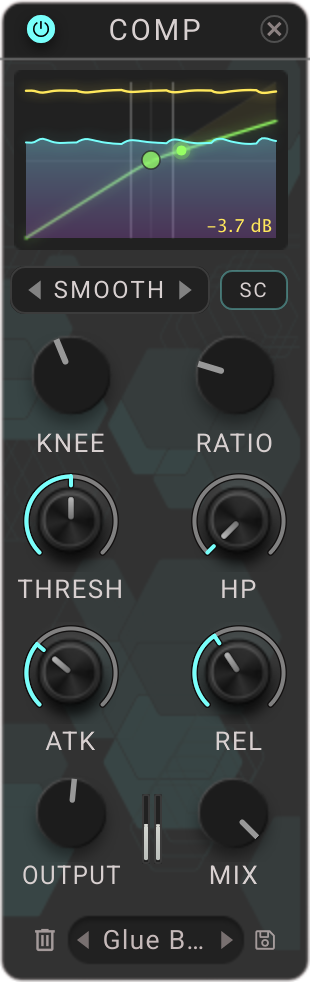
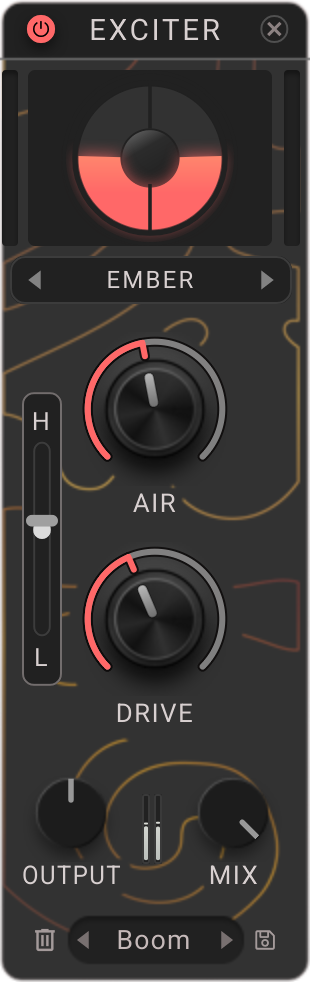
Six essential effects in one place. Load vertical modules and access a horizontal top panel for finer details like EQ editing. All six effects are also available individually in your DAW.

$79 Loading… Launch Offer: Save 38%

How Blox Rack Works

Hear Blox Rack In Action

Demo 1

Before

0:00

ExperimentalKaleidoscope

0:00

ExperimentalFeedback Garden

0:00

RhythmicGlitch Sequencer

0:00

Modular

Build Any Chain You Can Imagine

Blox Rack gives you nine slots and six effects to fill them up: EQ, Exciter, Compressor, Delay, Chorus and Reverb. You can load any effect multiple times, enabling serial compression, emphasis EQ and other techniques. Drag modules to move them, or duplicate with an Option drag (Alt drag). Undo changes in the top bar.
Horizontal EQ

Straight to the Point, Straight to the Frequency

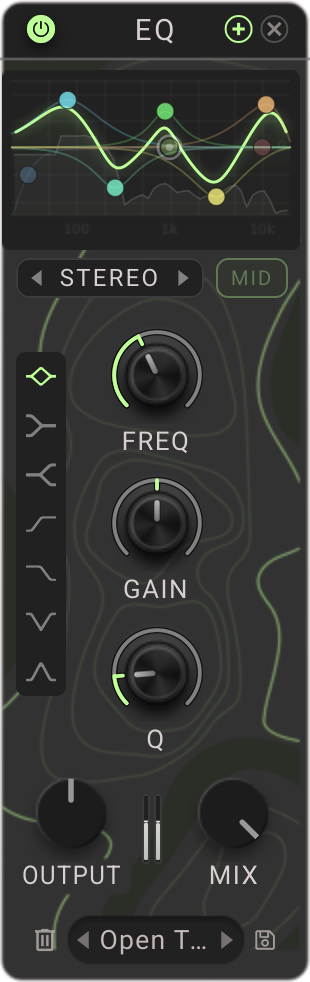
Vertical modular effects racks are great for getting things done… everything except EQ. In Blox Rack, EQ is edited graphically in a horizontal panel, like it’s 2026. This gives you the best of the rack workflow without the clunkiness of dialling in individual Freq, Gain and Q values for every single band, every single time. It’s an EQ you’ll actually use, right alongside your other effects.

Presets

Over 500 Presets to Start From

Over 500 rack presets across 11 categories, from bass and vocals to mixing and mastering, with 61 presets for single modules. Search by name or tag, or hit Random and see where it takes you. Presets are all tagged, and tags work just like folders but let you select multiple categories at once.

Parallel

Custom Routing with a Click

Click the P between two modules and they’ll run side by side instead of one after the other. Link as many as you like, even all nine. You can run multiple modules in parallel into a series chain and finish off with another parallel duo or trio. Easily build New York compression, a delay alongside a reverb, or creative vocal chains.

Ducking

Echoes that Get Out of the Way

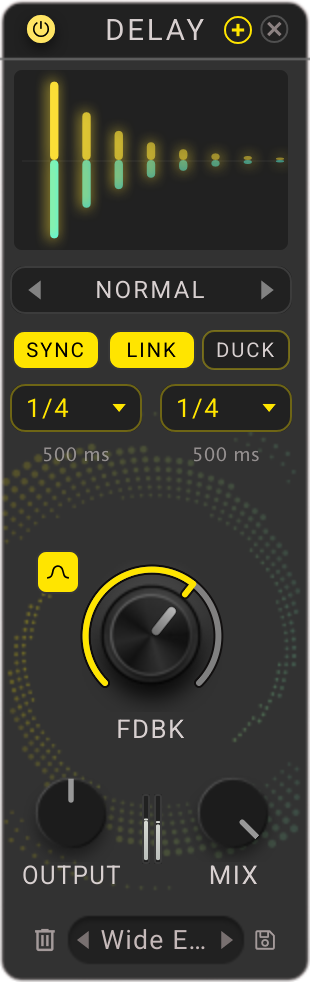
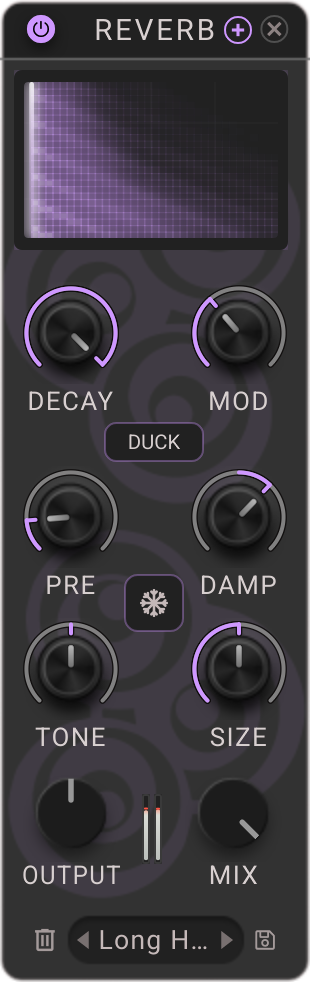
Delay and Reverb effects in Blox Rack both have built in Duck controls, pushing the wet signal down when the dry input is present. A live display shows exactly how much they dip, and you can customize the reaction with envelope controls in the advanced view at the top of the rack. Both modules can be loaded as individual plugins, too.

LFOs

Four to Keep Things Moving

With so much effects power, it would be rude not to let it move! Four LFOs can be routed with a drag and drop throughout the rack. Check out the Invert button to flip the LFO signal around, and the Random mode which gives an arbitrary, sample and hold signal with control over its smoothness or steppiness.

Envelope

Let the Music Drive the Motion

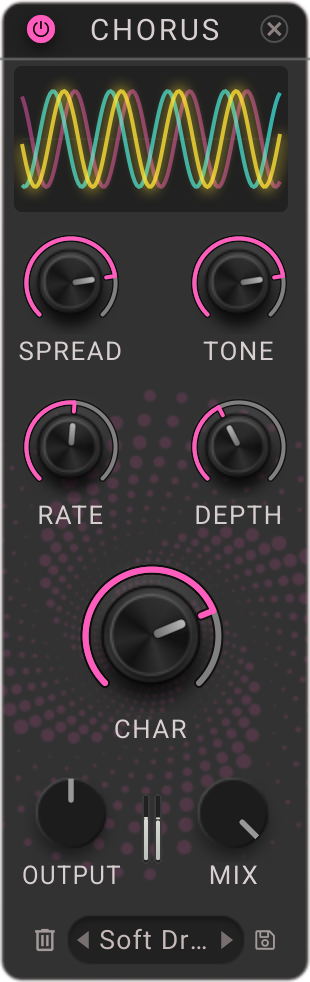
Use the detected input level as a modulation source throughout your effects chain. Use it to make any effect audio reactive, building or falling as the input level moves. Try increasing Chorus Mix or Character as the signal goes down, or increasing Delay Mix as the signal goes up, for example. Attack, Hold, Release and Gain controls set exactly how it behaves.

Macros

Six Macros and an X/Y Pad

Route multiple controls throughout the rack to be commanded by a single parameter – and control that from automation or MIDI using your DAW. Factory presets come with their own macros set and ready to roll. Meanwhile, the X/Y Pad drives up to eight parameters with a 2D controller.

Automation

Automation That Stays Put

To automate controls in your DAW, assign each to one of 20 slots, then choose those slots in your host. Move modules around and the automation follows them to their new spot, so rearranging your rack doesn’t break your session.

Listen

Auto Gain and Delta to Hear it True

Mixing is full of pitfalls, but Blox Rack helps you avoid them. Auto Gain matches the output level to the input, so you can judge whether your changes are making things better or just making them louder. Delta subtracts the dry signal from the processed signal, leaving only the difference you’ve dialled in – great for judging small changes in frequency or corrective EQ.

One more thing…

Every module is its own plugin, too.

Load Exciter, EQ, Compressor, Delay, Chorus or Reverb on their own, wherever the whole rack isn't needed. And the family keeps growing.

System requirements

macOS

  • macOS 13 Ventura or later
  • Apple Silicon or Intel Mac
  • VST3, AU and AAX

Windows

  • Windows 10 or later (64 bit)
  • VST3 and AAX

Requires a DAW that supports one of the formats above.